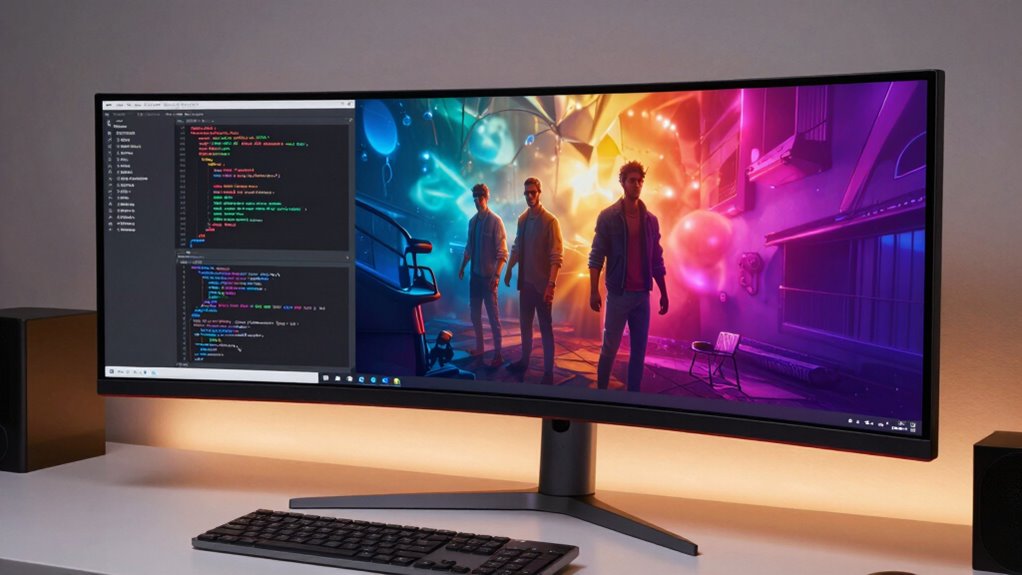

Ultrawide monitors upgrade your work and entertainment by offering a seamless, expansive view that boosts productivity and enhances visuals. They reduce the need for multiple screens, making multitasking easier and more efficient. Plus, their larger size and wide aspect ratio improve immersive experiences like gaming and watching movies. With ergonomic features and accurate color calibration, you can work comfortably and enjoy richer visuals for entertainment. Keep exploring to discover how these features come together for a better experience.
Key Takeaways
- Ultrawide monitors provide seamless panoramic views that enhance multitasking and productivity during work tasks.
- They offer increased screen space, reducing tab switching and improving workflow efficiency.
- High color accuracy and calibration support creative work like photo editing and digital design.
- Ergonomic features ensure comfortable viewing, reducing strain during long work or entertainment sessions.
- Their immersive displays elevate entertainment experiences such as gaming, movies, and multimedia consumption.
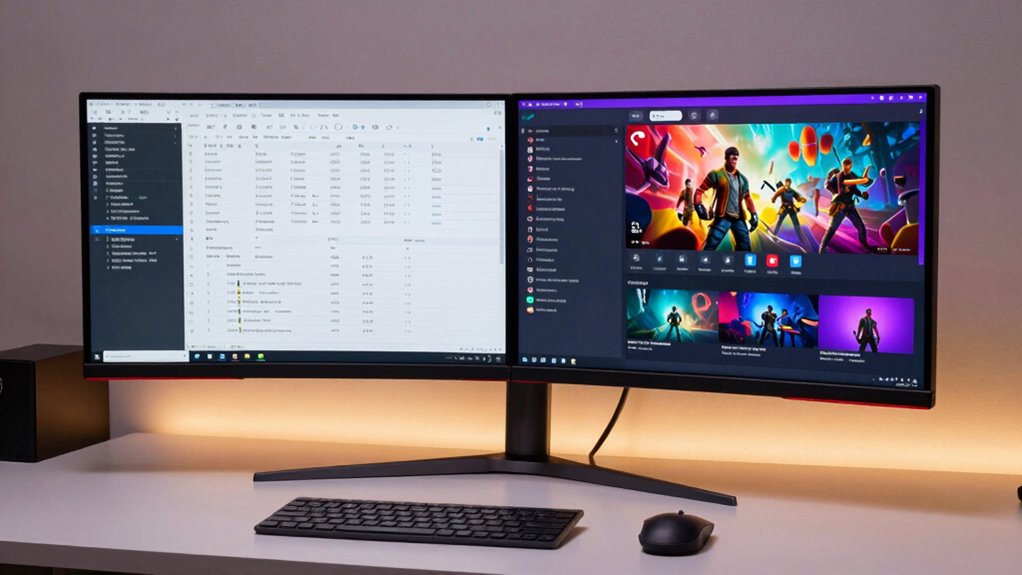
Ultrawide monitors have become a popular choice for both work and entertainment because they offer a seamless, expansive viewing experience. When you switch to one, you immediately notice how much more space you have to work with. Instead of juggling multiple screens or constantly switching tabs, you get a panoramic view that boosts productivity and makes multitasking smoother. Whether you’re editing videos, designing graphics, or managing spreadsheets, the extra screen real estate helps you see more at once, reducing the need for constant scrolling and window switching. This increased efficiency makes your workday less cluttered and more streamlined. Additionally, color calibration plays an essential role in elevating both work and entertainment on an ultrawide monitor. When your display is properly calibrated, colors appear more accurate and consistent, which is crucial if you’re involved in creative work like photo editing or digital design. Accurate color representation ensures your projects look just as you intend across different devices. For entertainment, good color calibration means richer visuals and more realistic images, whether you’re watching a movie or exploring digital art. Many high-end ultrawide monitors come with built-in calibration tools or factory-calibrated settings, making it easier for you to achieve perfect color accuracy without extensive adjustments. Furthermore, visual consistency across different tasks enhances your overall experience by providing a uniform viewing quality. An important aspect to consider is that monitor size can influence your comfort and productivity, especially during long sessions. Larger screens can also improve immersive experiences like gaming or watching films, making the most of the wide aspect ratio. Ergonomic design is another key feature that enhances your experience. Since you’ll spend hours working or gaming, a monitor with adjustable height, tilt, and swivel helps you find a comfortable viewing angle. Proper ergonomics reduce strain on your neck, eyes, and back, allowing you to work longer without discomfort. An ultrawide monitor with a sturdy stand and ergonomic features encourages healthy posture and minimizes fatigue. This focus on comfort is especially important during long work sessions or extended gaming marathons, where maintaining good posture can prevent long-term health issues. Moreover, considering the ergonomic features of a monitor can significantly improve your overall setup and prevent potential health problems over time.

Samsung 34" ViewFinity S50GC Series Ultrawide QHD Monitor, 100Hz, 5ms, HDR10, AMD FreeSync, Ultrawide Screen, Eye Care, Thin Bezels, PIP, PBP, LS34C50DGANXZA, 2023, Black
HANDPICKED BY AMAZON: They did the research, so you don’t have to
As an affiliate, we earn on qualifying purchases.
As an affiliate, we earn on qualifying purchases.
Frequently Asked Questions
Do Ultrawide Monitors Require Special Graphics Cards?
Ultrawide monitors don’t necessarily require special graphics cards, but for ideal performance, a powerful one helps. You might need to take into account monitor calibration and color accuracy to get the best image quality, especially for work that demands precision. Most modern graphics cards can handle ultrawide resolutions, but make sure yours supports the specific resolution and refresh rate of your monitor for smooth visuals and accurate colors.
Are Ultrawide Monitors Suitable for Gaming?
Ultrawide monitors are perfect for gaming, offering an immersive experience like stepping into a whole new world. They deliver stunning visual clarity with vibrant details that pull you into the action. Whether you’re exploring expansive landscapes or intense combat scenes, these screens provide a seamless view that enhances gameplay. Just make certain your graphics card can handle the resolution for smooth performance, and you’ll enjoy a visually enthralling gaming adventure like never before.
How Do Ultrawide Monitors Affect Desk Space?
Ultrawide monitors take up more desk space, so you might need to reorganize your desk for better desk organization. They can dominate your workspace, but you can offset this by optimizing your setup for ergonomics, ensuring comfortable viewing angles and sufficient space for accessories. While they require a larger footprint, with smart placement, you can maintain an efficient, comfortable workspace that enhances both work and entertainment experiences.
Can Ultrawide Monitors Be Used With Multiple Devices?
Yes, ultrawide monitors can be used with multiple devices, making your setup more versatile. You’ll want to check for multiple input ports like HDMI, DisplayPort, or USB-C, which support multimonitor setups. Just remember, juggling devices can sometimes turn into a balancing act—so good desk ergonomics and cable management help keep everything tidy. With the right connections, you can seamlessly switch between work and entertainment, making your workspace more efficient and enjoyable.
What Are the Best Ultrawide Monitor Brands?
You should consider brands like LG, Dell, and Samsung when choosing ultrawide monitors, as they prioritize color calibration and ergonomic design. LG offers excellent picture quality, Dell provides adjustable stands for comfort, and Samsung combines vibrant displays with sleek designs. These brands guarantee your work and entertainment experience is immersive, reducing eye strain and allowing you to customize your setup for maximum productivity and enjoyment.
Samsung 34" ViewFinity S50GC Series Ultrawide QHD Monitor, 100Hz, 5ms, HDR10, AMD FreeSync, Ultrawide Screen, Eye Care, Thin Bezels, PIP, PBP, LS34C50DGANXZA, 2023, Black
HANDPICKED BY AMAZON: They did the research, so you don’t have to
As an affiliate, we earn on qualifying purchases.
As an affiliate, we earn on qualifying purchases.
Conclusion
In the end, ultrawide monitors blend work and entertainment like a perfectly mixed playlist, making everything seamless and enjoyable. They’re your all-in-one solution, boosting productivity while offering immersive entertainment. With their expansive screens, you’ll feel like you’re stepping into a whole new world every time you sit down. If you want a setup that’s as versatile as it is impressive, an ultrawide monitor is your best bet — a true game-changer for work and play.
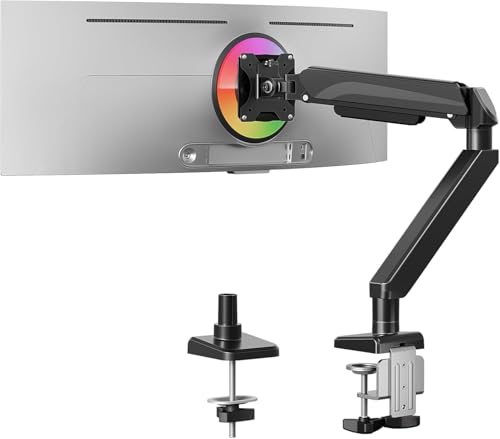
MOUNTUP Heavy Duty Single Monitor Arm for 42 40 39 34 32 27Inch Screens, Monitor Stand for Desk Supports 4.4-33 lbs, Height Adjustable Ultrawide Monitors Mount with C-Clamp & Grommet Base
Superior stability with Wider C-clamp – Experience rock-solid stability with this heavy-duty monitor arm. The wide C-clamps ensure…
As an affiliate, we earn on qualifying purchases.
As an affiliate, we earn on qualifying purchases.

SANSUI 34 Inch 240Hz Ultrawide Curved Gaming Monitor UWQHD 3440×1440, 21:9 2K Curved Monitor 1500R,HDR400,Fast VA, PIP/PBP,AI Crosshair,AIPQ(Visual Enhance),MPRT 1ms,HDMI2.1 * 2,DP1.4 * 2
34 Inch 240Hz UWQHD(3440*1440) Fast VA Curved 1500R Ultrawide 21:9 HDR400 Gaming Monitor with AI Crosshair and AI…
As an affiliate, we earn on qualifying purchases.
As an affiliate, we earn on qualifying purchases.