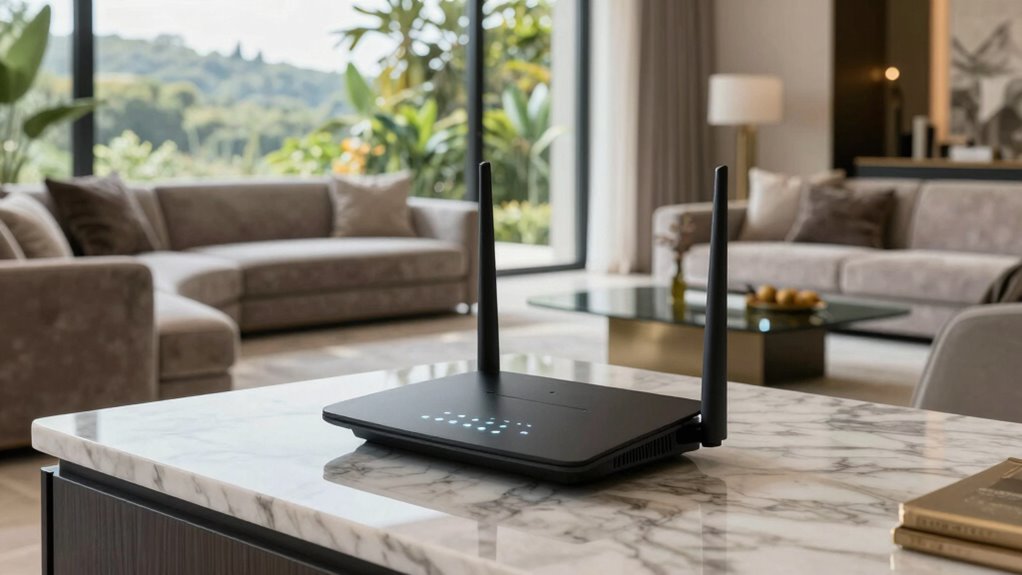

In large luxury homes, standard routers often struggle to provide reliable Wi-Fi coverage, leading to dead zones and slow speeds. Better routers are designed to handle bigger spaces, reduce interference, and support advanced Wi-Fi standards to keep your connection strong and steady. The right router, placed strategically, can improve your entire network’s performance and security. Keep exploring to discover how optimized setups can keep your home seamlessly connected from every corner.
Key Takeaways
- They provide stronger, more reliable Wi-Fi coverage across large, multi-story spaces, reducing dead zones.
- Advanced features help mitigate interference from walls, furniture, and electronic devices.
- Support for mesh technology ensures seamless connectivity throughout expansive homes.
- High-performance routers improve streaming, working, and device connectivity experiences.
- Enhanced security features protect the entire smart home network from cyber threats.
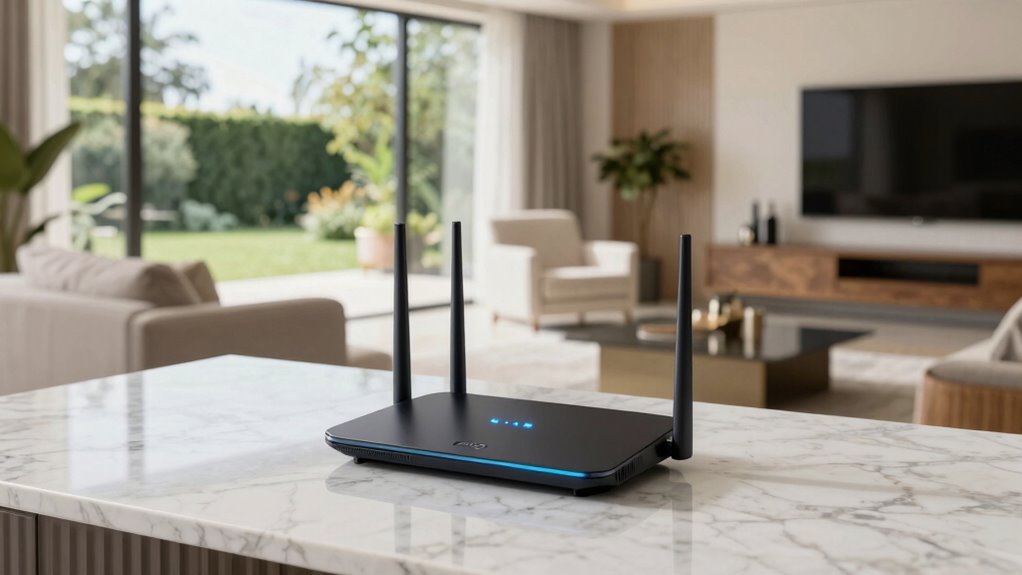
If you live in a large home, you’ve likely experienced dead zones or slow internet speeds in certain areas. These issues often stem from Wi Fi signal interference, which can be caused by walls, furniture, or electronic devices that disrupt your router’s signal. In a big house, your standard router may struggle to deliver reliable coverage everywhere, making it frustrating to stream, work, or connect devices seamlessly. That’s where better routers come into play—they’re designed to handle larger spaces and reduce the impact of interference, ensuring your internet connection remains strong throughout your home.
Large homes often face dead zones and slow Wi-Fi due to interference and coverage challenges.
Choosing a high-quality router is just the first step. Effective router placement strategies are equally important. You want to position your router in a central location, ideally elevated and away from thick walls or metal objects that can block signals. Placing it near the middle of your home helps distribute the Wi Fi signal more evenly, minimizing dead zones and reducing Wi Fi signal interference caused by structural elements. Avoid placing your router in a basement or tucked away in a closet, as these locations can significantly weaken your network’s reach. Additionally, selecting a router with advanced technologies like Wi-Fi standards can further improve your home’s connectivity. Using router security features can also help protect your network from external threats, maintaining a secure and reliable connection. Incorporating advanced networking features, such as bandwidth prioritization, can optimize your network’s performance for critical devices and activities. Being aware of Wi-Fi interference sources, such as electronic appliances and neighboring networks, can help you better troubleshoot and improve your network setup. Implementing mesh network technology can also be a game-changer for large homes, providing a more seamless coverage experience.

GL.iNet GL-MT6000 (Flint 2) WiFi 6 High Speed Gaming Routers for Wireless Internet, 2 x 2.5G Ethernet Ports for Fiber Optic Modem, Long Range Computer VPN WiFi Router, Home & Business
***Please update the firmware upon initial setup of the router, as it greatly enhances the device's performance and…
As an affiliate, we earn on qualifying purchases.
As an affiliate, we earn on qualifying purchases.
Frequently Asked Questions
How Often Should I Upgrade My Home Router?
You should upgrade your home router every 3-5 years to maintain peak performance and security. Regular firmware updates are essential to patch vulnerabilities and enhance features, so keep your current router updated. Consider upgrading sooner if you notice slow connections or new devices struggling to connect. A new router can improve network security, speed, and coverage, especially in large luxury homes with many devices and high data demands.
Can a Router Improve Streaming Quality in Large Homes?
Think of your router as a magic wand, transforming your streaming experience. A better router can substantially improve your streaming quality in large homes by reducing wireless interference and boosting signal strength. It acts like a lighthouse, guiding your Wi-Fi through thick walls and dead zones. Upgrading guarantees smoother streaming, fewer interruptions, and a more reliable connection, turning your home into a seamless entertainment haven.
Do Mesh Networks Work Better Than Traditional Routers?
Mesh networks often work better than traditional routers, especially in large luxury homes. Unlike mesh systems, which use multiple nodes to create seamless coverage, extenders can cause signal drops and interference. Mesh networks use wired backhaul or wireless connections efficiently, providing consistent performance throughout the house. They’re designed for large spaces, so your Wi-Fi remains strong whether you’re streaming, gaming, or working from any room.
How Does Router Placement Affect Wi-Fi Coverage?
Think of your Wi-Fi signal like water flowing through pipes; proper router placement guarantees smooth coverage. If you place your router in a corner or near thick walls, it’s like clogging the pipes, causing signal interference and dead zones. To maximize coverage, position your router centrally, elevated, and away from electronic devices. Good placement reduces interference and boosts signal strength, making sure your entire home stays connected seamlessly.
Are Expensive Routers Worth the Investment?
Yes, investing in an expensive router is worth it, especially in a large luxury home with smart home devices and parental controls. These high-end routers offer stronger signals, faster speeds, and better coverage, ensuring your smart home stays connected without interruptions. Plus, advanced security features protect your family’s data. With the right router, you get reliable Wi-Fi for all your devices, making your home smarter, safer, and more efficient.

TP-Link Deco X55 AX3000 WiFi 6 Mesh System – Covers up to 6500 Sq.Ft, Replaces Wireless Router and Extender, 3 Gigabit Ports per Unit, Supports Ethernet Backhaul, Deco X55(3-Pack)
Wi-Fi 6 Mesh Wi-Fi – Next-gen Wi-Fi 6 AX3000 whole home mesh system to eliminate weak Wi-Fi for…
As an affiliate, we earn on qualifying purchases.
As an affiliate, we earn on qualifying purchases.
Conclusion
Think of your home as a vast, bustling city, and your router as the central station guiding the flow of traffic. When you upgrade to a better router, you’re fundamentally building a wider, more efficient highway system—reducing congestion and ensuring every corner stays connected. With the right equipment, your luxury home becomes a thriving metropolis where signals move smoothly, and no room is left in the dark. Invest wisely, and enjoy seamless connectivity throughout your grand estate.

ASUS RT-BE9700 Tri-Band WiFi 7 Smart AiMesh, Extendable Router, 10G Port, Parental Controls & VPNs, Advanced Network Security
Beyond-fast WiFi 7 (802.11be) – 320MHz channels in the 6 GHz band and 4096-QAM significantly increase network capacity…
As an affiliate, we earn on qualifying purchases.
As an affiliate, we earn on qualifying purchases.

TP-Link AX1800 WiFi 6 Router (Archer AX21 V5) – Dual Band Wireless Internet, Gigabit, Easy Mesh, Works with Alexa – A Certified for Humans Device, Free Expert Support
DUAL-BAND WIFI 6 ROUTER: Wi-Fi 6(802.11ax) technology achieves faster speeds, greater capacity and reduced network congestion compared to…
As an affiliate, we earn on qualifying purchases.
As an affiliate, we earn on qualifying purchases.