

TL;DR
You can automate creating multiple versions of your video — social clips, thumbnails, transcripts, and more — all on your own machine. This avoids cloud dependence, speeds up publishing, and keeps your data private. It’s a game-changer for creators wanting full control.
Imagine finishing a video and instantly having a complete set of assets ready to publish across every platform—without uploading to a cloud service. Sounds like a dream? It’s becoming reality with local-first workflows that automate video repurposing while keeping everything on your own machine.
This approach isn’t just about convenience; it’s about speed, privacy, and control. You’ll learn how a single video can become a full publishing kit—thumbnails, clips, metadata, social posts—without relying on remote servers. Ready to ditch the cloud and take charge of your publishing pipeline? Let’s break down how this works and what it means for your content game.
Key Takeaways
- One video can generate a complete publishing kit—thumbnails, clips, metadata, social posts—all on your local machine.
- Local processing offers faster turnaround times and better privacy than cloud workflows.
- A structured, multi-layer analysis enables automated asset creation without sacrificing control.
- Hardware demands are higher, but costs lower over time and data stays securely in-house.
- Ideal for sensitive content, fast turnaround needs, and creators wanting full control over their media pipeline.

CPU Solutions Express 4K Video Editing PC, Editing Workstation – Ryzen 9 9950X, 5.7Ghz 16-Core, 64GB DDR5 RAM, 2TB NVMe SSD, Quadro RTX 2000ADA 16GB, Windows 11 Pro Computer Mini Tower
Experience Blazing-Fast Video Editing: Elevate your professional video editing capabilities with the Ryzen 9 9950X processor. Reaching up…
As an affiliate, we earn on qualifying purchases.
As an affiliate, we earn on qualifying purchases.
How One Video Turns Into Dozens of Assets Instantly
When you upload a video, a local system like ChannelHelm can analyze it on four levels: audio, visuals, the fusion of both, and intelligence. It transcribes speech with speaker labels, detects scene changes, reads on-screen text, and then lines up these layers on a timeline. This structured understanding allows it to automatically generate titles, descriptions, clips, and thumbnails—tailored for each platform.
Why does this matter? Because understanding the content deeply enables the system to generate assets that are contextually relevant and optimized for each platform’s requirements. For instance, scene detection helps create highlight reels that genuinely capture the essence of the video, rather than just random segments. This layered analysis also facilitates more accurate metadata, which improves discoverability and engagement. The tradeoff is that this process demands sophisticated algorithms and processing power, but the payoff is a significant acceleration in content production and a higher quality of assets that truly match your footage.


Burning Suite – Burn and Copy Software – CD/DVD/Blu-ray – Data, Music, Video – the all-in-one solution for Win 11, 10
Data Loss Prevention – Avoid losing important files by securely backing up your data on CDs, DVDs, or…
As an affiliate, we earn on qualifying purchases.
As an affiliate, we earn on qualifying purchases.
Why Local Processing Beats Cloud for Speed and Privacy
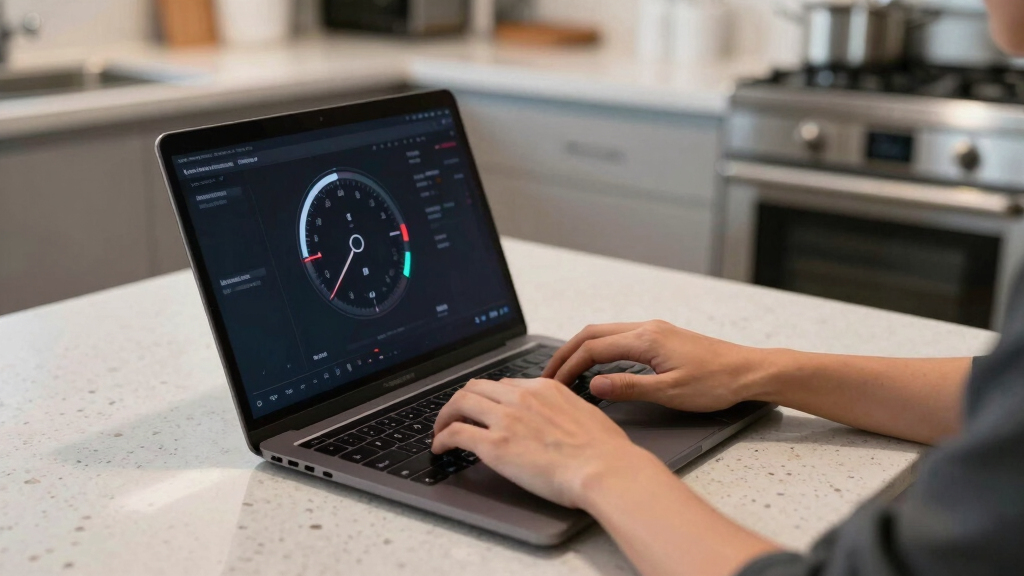
Processing locally means your videos don’t leave your machine, which isn’t just about privacy—it’s about control over your entire workflow. When files stay on-site, you avoid delays caused by slow uploads or bandwidth limitations, enabling near-instantaneous processing. This instant feedback loop is crucial for creators working under tight deadlines or needing rapid iteration. Additionally, the data remains entirely in your hands, reducing the risk of leaks or breaches that can occur with cloud storage, especially when handling sensitive or proprietary material.
While cloud workflows might seem appealing for collaboration or automatic backup, they introduce dependencies on internet quality and ongoing costs, which can be unpredictable. Local workflows, on the other hand, require an initial hardware investment but offer predictable, upfront costs and peace of mind regarding data security. For professionals dealing with confidential content—like legal, medical, or investigative footage—this control is not just a convenience; it’s a necessity. The tradeoff involves hardware requirements and potential scalability challenges, but for many, the benefits of speed and security outweigh these considerations.

Express Scribe Pro Transcription Software with USB Foot Pedal (Digital Download,License and Download Information Will be Inside The Box
heavy duty Infinity IN-USB-3 USB transcription foot Pedal
As an affiliate, we earn on qualifying purchases.
As an affiliate, we earn on qualifying purchases.
How the Workflow Works — Step-by-Step
- Ingest: Drop your video file or paste a link. The platform detects the source automatically, saving you time and reducing manual input errors.
- Understand: Background workers transcribe speech, analyze visuals, detect scene changes, and fuse data to create a detailed scene log. This multi-layered understanding is what enables precise asset generation and editing options later in the process.
- Review: Assets like titles, clips, and descriptions appear in your workspace, ready for your review or edits. This step ensures quality control and allows customization before publishing.
- Publish: Once approved, assets are dispatched directly to platforms like YouTube, TikTok, or your website—all on your local network. This eliminates upload bottlenecks and keeps everything under your control.
For example, a creator using ChannelHelm can have a draft article, social snippets, and a YouTube thumbnail ready within 15 minutes of uploading their raw footage. This speed is possible because each step is optimized for local processing, removing reliance on external servers and reducing latency.


AI for YouTubers: Create Scripts, Thumbnails, Videos & Shorts Faster with AI
As an affiliate, we earn on qualifying purchases.
As an affiliate, we earn on qualifying purchases.
Comparing Cloud vs. Local Video Publishing Workflows
| Feature | Cloud Workflow | Local Workflow |
|---|---|---|
| Processing Speed | Dependent on internet speed; can add minutes or hours, especially with large files or slow connections | Seconds to minutes; instant results on a powerful machine, enabling rapid iteration and testing |
| Privacy & Control | Media stored on remote servers; potential data leaks or unauthorized access, especially if cloud providers are compromised | All media stays on your machine, giving you full control over your data and assets |
| Cost | Ongoing subscription fees; cloud compute charges can accumulate over time, especially with high-volume workflows | Hardware investment upfront; no recurring fees, making it cost-effective in the long run |
| Collaboration | Easy remote team access, sharing, and real-time collaboration through cloud portals | Limited to local network unless additional tools or remote access solutions are used, which may introduce complexity |
Best Use Cases for a Fully Local, No-Cloud Workflow
This approach shines when speed, privacy, and control are top priorities. For example, processing sensitive corporate videos that cannot leave the premises ensures compliance with strict data policies. Content creators seeking to avoid ongoing cloud costs benefit from predictable hardware investments and avoid vendor lock-ins. Journalists and investigators working with confidential footage gain peace of mind knowing their data remains secure and private. Small teams or solo creators needing rapid turnaround can work more efficiently without waiting for uploads or dealing with cloud-based processing queues.
For instance, a legal firm filming client interviews can process and publish everything on-site, ensuring no leaks or delays, and maintaining full confidentiality. This local approach also enables offline work, which can be vital in remote or bandwidth-limited locations, ensuring uninterrupted productivity regardless of internet connectivity.
Limitations You Need to Know About Local Video Workflows
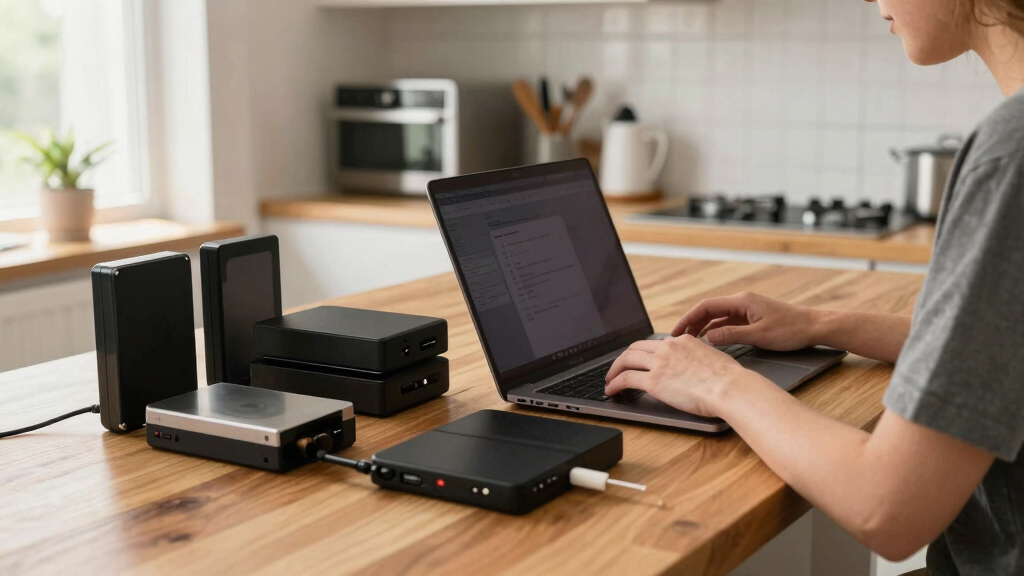
While powerful, local workflows demand robust hardware—especially for AI analysis, transcoding, and high-resolution footage. Processing large or high-bitrate videos can strain your CPU and GPU, leading to longer processing times or even system instability if hardware isn’t adequate. This means that workflows which rely heavily on AI-driven analysis or 4K/8K content may require high-end workstations or dedicated servers, increasing upfront costs.
Manual refinement is often necessary, especially when fine-tuning assets or troubleshooting errors that automated processes might introduce. Without cloud collaboration tools, sharing drafts or collaborating remotely involves local network setup or physical transfers, which can slow down team workflows. This tradeoff favors control over convenience—more effort for more security and speed. For example, a small production team might need to invest in a high-end workstation to handle 4K footage efficiently, but this investment pays off in faster turnaround times and greater data security.

Is This the Future of Video Publishing?
Absolutely, local AI-powered workflows are gaining traction because they address core concerns of creators—speed, privacy, and independence. As hardware becomes more affordable and AI tools become more efficient, local processing is poised to rival and even surpass cloud solutions in output quality and reliability. This shift could fundamentally change how creators manage their media pipelines, empowering them to produce and publish faster and more securely.
Emerging innovations like real-time transcoding, offline AI analysis, and self-hosted automation platforms are making local workflows increasingly seamless. Growing awareness around data security and control further pushes creators toward on-prem solutions, especially for sensitive content. This trend suggests a future where cloud dependence diminishes, replaced by powerful local systems capable of handling complex tasks without sacrificing speed or security.
Check out [ChannelHelm](https://channelhelm.com/) for a full example of this approach in action.
Frequently Asked Questions
What does “one video in, a whole publishing kit out” actually mean?
It means uploading a single source video and automatically generating all necessary assets—clips, thumbnails, descriptions, social posts—ready for publishing, all processed locally without cloud dependency.
How is this different from cloud video editing or cloud transcoding?
Cloud systems upload your footage to remote servers for processing, which can cause delays and privacy issues. Local workflows process everything on your machine, offering faster results and keeping your data in-house.
All of those: short clips for social, optimized thumbnails, transcripts, metadata, and even ready-to-upload files for platforms like YouTube or Instagram.
Does “without the cloud” mean fully offline, or just self-hosted/on-prem?
It can mean either. Most solutions run locally on your machine, but some can be self-hosted on your own servers. The key point is avoiding reliance on remote cloud services for processing.
What hardware is required to do this locally?
A modern multi-core CPU, a GPU capable of AI acceleration, and ample SSD storage. For 4K videos and AI analysis, a high-end workstation or dedicated server is recommended.
Conclusion
Switching to a local-first workflow transforms your video publishing process. You get all the assets you need—fast, private, and under your control—without the cloud’s constraints. It’s a game-changer for creators who value speed and sovereignty over their media.
Imagine a world where your raw footage instantly becomes a social-ready package, all on your own hardware. That’s not just a dream anymore—it’s within reach. Are you ready to take back control?