
If your Bissell ProHeat 2X Revolution Pet Turbo carpet cleaner isn’t sucking up water and dirt like it used to, don’t worry. This common issue can often be fixed with some straightforward troubleshooting. Follow these steps carefully to restore your cleaner’s suction power and keep your carpets spotless.

Get home appliances delivered free with Prime
- Fast, free delivery on millions of items
- Prime Video, Amazon Music and more included
- Member-only deals all year
Before you start, make sure to unplug your machine and gather the necessary tools and replacement parts if needed. Proper maintenance and timely troubleshooting can extend the life of your cleaner and improve its performance.
Key Takeaways
| Check for clogs | Clogged hoses or filters can block suction. |
| Inspect filters | Dirty filters reduce suction power. |
| Examine the brush roll | Twisted or debris-filled brush rolls hinder cleaning. |
| Ensure proper water level | Low or overfilled tanks can affect suction. |
| Look for air leaks | Leaks in hoses or connections compromise suction. |
Step 1: Turn Off and Unplug the Cleaner
Before inspecting your Bissell, ensure it is turned off and unplugged from the power outlet to prevent any electrical hazards or accidental activation.
Step 2: Check and Clear Clogs
- Inspect the hose, intake nozzle, and brush roll area for blockages or debris.
- Disconnect the hose and look inside for any obstructions. Remove any debris carefully.
- Clear out dirt or hair tangled around the brush roll, which can impede suction.
Step 3: Clean or Replace Filters
Dirty filters can significantly reduce suction. Remove the filters according to your model’s manual and rinse them thoroughly with water. Allow them to dry completely before reinstalling. If filters are damaged or excessively dirty, replace them with compatible filters.
Step 4: Check Water and Solution Tanks
Ensure the water and cleaning solution tanks are filled properly and seated correctly. An improperly positioned tank can cause suction issues. Also, verify that the tanks are not cracked or leaking.
Step 5: Examine the Brush Roll and Belt
- Remove the brush roll cover and inspect for tangled hair, fibers, or debris.
- Clean the brush roll thoroughly and check for any damage or worn parts.
- Ensure the belt connecting the motor to the brush roll is intact and properly aligned.
The Products in This Guide

BISSELL ProHeat 2X Revolution Pet Turbo Upright Carpet C
- ✔ Weight: 18.5 lbs
- ✔ Tank Capacity: 1.5 liters
- ✔ Cord Length: 25 ft

JORAIR Brush Replacement Compatible
- ✔ Package Size: 3 brush rolls, 3 filters
- ✔ Compatibility: Specific Bissell CrossWave models
- ✔ Material: Plastic and foam
BISSELL ProHeat 2X Revolution Pet Turbo Upright Carpet C
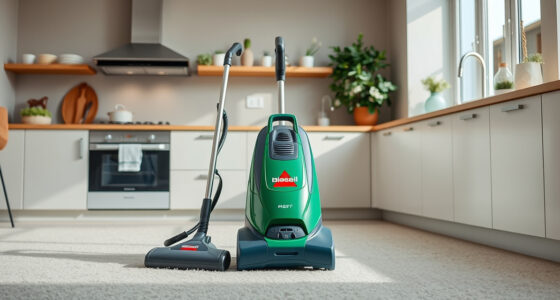
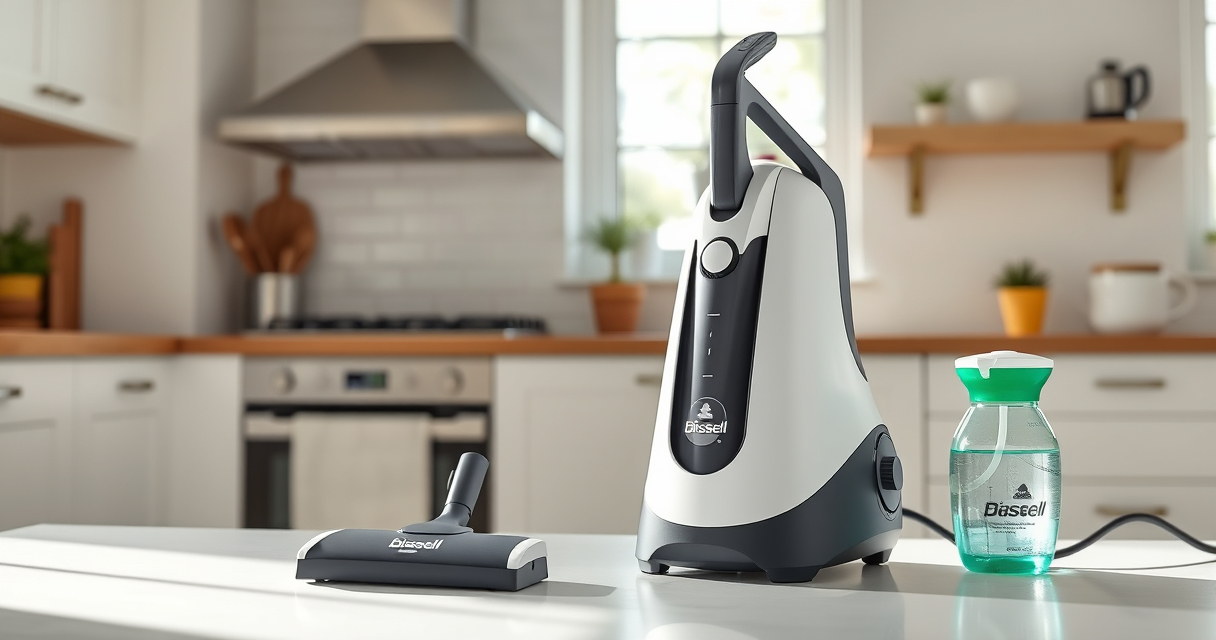
The BISSELL ProHeat 2X Revolution Pet Turbo is a powerful, versatile carpet cleaner designed to tackle embedded dirt and stains. Proper maintenance keeps it performing at its best, and this guide helps you troubleshoot common suction issues effectively.
Pros:
- Powerful 40% increased suction
- Quiet operation with noise reduction
- Effective on deep-seated dirt
- User-friendly design
Cons:
- Can be heavy to maneuver
- Requires regular filter cleaning
- Belt replacement may be needed over time
Best for: Deep cleaning carpets with embedded dirt and pet stains
Not ideal for: Light, occasional cleaning needs or very small areas
Bottom line: A powerful, quiet, and efficient carpet cleaner with easy troubleshooting options.
JORAIR Brush Replacement Compatible
This compatible brush roll and filter pack offers an affordable way to keep your Bissell cleaner performing optimally. Easy to install and maintain, it ensures your machine maintains strong suction and cleaning power.
Pros:
- Compatible with many Bissell models
- Includes multiple brush rolls and filters
- Easy to install
- Affordable price
Cons:
- Not an original part
- May require periodic replacement
- Compatibility limited to certain models
Best for: Replacing worn brushes and filters to restore suction
Not ideal for: As a primary cleaning solution, not a full machine overhaul
Bottom line: A cost-effective way to maintain your Bissell cleaner’s suction and cleaning efficiency.
Frequently Asked Questions
Why does my Bissell cleaner lose suction over time?
Suction loss is often caused by clogged filters, blocked hoses, or tangled debris in the brush roll. Regular cleaning of these parts helps maintain optimal suction.
How often should I clean or replace filters?
Check filters after every few uses and clean them thoroughly. Replace filters if they are damaged or excessively dirty to ensure continued suction performance.
Can I fix suction issues myself?
Yes, most common suction problems can be fixed by inspecting and clearing clogs, cleaning filters, and checking the brush roll and belts. Always unplug the machine before troubleshooting.
Is it safe to use chemical cleaners to fix suction problems?
It’s best to stick with cleaning and maintenance procedures recommended by Bissell. Using harsh chemicals can damage internal components and void warranty coverage.
Revive Your Carpet Cleaner’s Power with These Tips
With a few simple steps, you can restore the suction of your Bissell ProHeat 2X Revolution Pet Turbo and keep your carpets looking their best. Regular maintenance and prompt troubleshooting not only improve performance but also extend the life of your machine. Remember to always unplug your cleaner before inspecting or cleaning any parts.
Affiliate disclosure: As an Amazon Associate we earn from qualifying purchases. Prices and availability are accurate as of the time of publishing.
Cold & flu season Picks
humidifiers
As an affiliate, we earn on qualifying purchases.