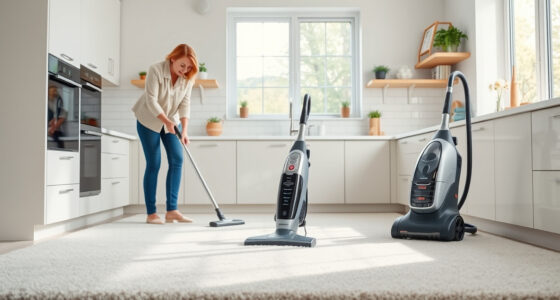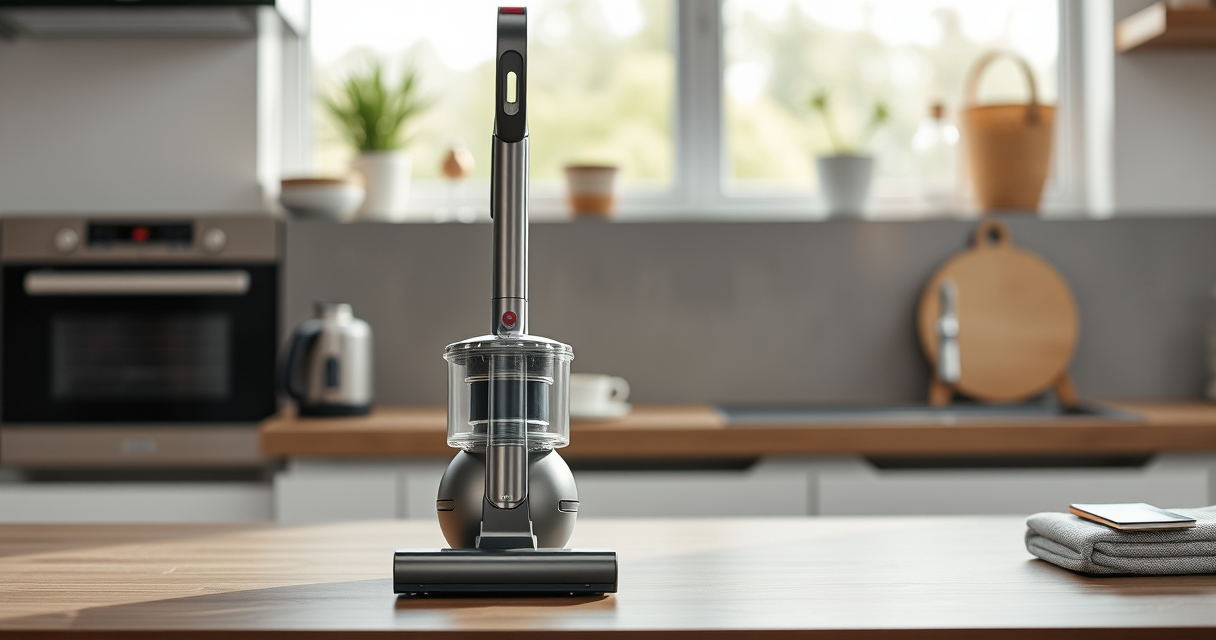
If your Dyson V15 Detect™ Origin cordless vacuum isn’t holding its charge like it used to, you’re not alone. Battery life can diminish over time due to various causes. This guide walks you through common issues and effective fixes to restore optimal performance, ensuring your vacuum remains a reliable cleaning tool.

Get home appliances delivered free with Prime
- Fast, free delivery on millions of items
- Prime Video, Amazon Music and more included
- Member-only deals all year
Follow these clear, safe steps to diagnose the problem and improve your vacuum’s battery longevity without risking damage or voiding warranties.
Key Takeaways
| Battery Age | Older batteries tend to lose capacity over time. |
| Battery Maintenance | Proper maintenance can extend battery life. |
| Usage Patterns | Frequent full discharges can shorten battery lifespan. |
| Filters & Obstructions | Clogged filters or blockages reduce efficiency and battery performance. |
| Charging Habits | Using incompatible chargers or improper charging can harm the battery. |
Check the Battery Condition
- Ensure the vacuum is fully charged using the original Dyson charger.
- Inspect the battery for signs of damage or swelling.
- If the battery is old or visibly damaged, consider replacing it with a compatible replacement.
Clean and Maintain Filters
- Remove and wash the pre-filters and other filters regularly with water.
- Allow filters to dry completely before reinstalling.
- Clogged filters can cause the motor to work harder, draining the battery faster.
Reduce Power Usage
- Use the LCD screen to select the appropriate power mode—lower power modes conserve battery.
- Limit use of high-power modes unless necessary.
- Turn off the vacuum when not in use to prevent unnecessary battery drain.
Optimize Charging Habits
- Always use the Dyson charger provided with your vacuum.
- Avoid letting the battery fully discharge regularly; keep it partially charged when possible.
- Charge the vacuum in a cool, dry place, avoiding extreme temperatures.
Replace Worn-Out Batteries
If your vacuum’s battery is old or no longer holds a charge after following previous steps, replacing it may be necessary. Purchase a compatible replacement battery and follow the manufacturer’s instructions for installation.
The Products in This Guide

Dyson V15 Detect™ Origin Cordless Vacuum
- ✔ Battery Life: 60 min
- ✔ Weight: 6.8 lbs
- ✔ Charge Time: 3.5 hours

LANMU Crevice Tool Vacuum Attachments Compatible
- ✔ Pack Size: 3 filters
- ✔ Material: Reusable
- ✔ Compatibility: Multiple Dyson models
Dyson V15 Detect™ Origin Cordless Vacuum
The Dyson V15 Detect™ Origin offers deep cleaning and intelligent power management, making it a top choice for whole-home cleaning. However, like all cordless vacuums, its battery lifespan can diminish after prolonged use.
Pros:
- Powerful suction
- Intelligent debris detection
- Long 60-minute runtime
- LCD screen for real-time info
Cons:
- Battery aging over time
- Potential need for replacements
- Requires proper maintenance
Best for: Homeowners seeking a high-performance, versatile cordless vacuum.
Not ideal for: Users expecting indefinite battery life without replacements.
Bottom line: Regular maintenance and timely replacements keep your Dyson V15 performing at its best.
LANMU Crevice Tool Vacuum Attachments Compatible
These 3-pack replacement pre-filters are compatible with Dyson V8, V7, V6, and other models, ensuring your vacuum maintains high efficiency and strong suction after cleaning filters gets clogged or worn out.
Pros:
- Easy to install
- Reusable and washable
- Restore vacuum suction
- Affordable pack of three
Cons:
- Needs regular cleaning
- Not a battery solution
- Compatibility limited to certain models
Best for: Maintaining optimal filtration and suction in Dyson vacuums.
Not ideal for: Replacing batteries or fixing power issues.
Bottom line: Keep your Dyson vacuum performing like new with these easy-to-clean filters.
Frequently Asked Questions
How can I tell if my Dyson battery needs replacing?
If your vacuum’s runtime has significantly decreased despite proper maintenance, and it no longer charges fully, the battery may need replacement.
Can I replace the Dyson battery myself?
Yes, if you follow the manufacturer’s instructions and use compatible replacement batteries, you can replace it safely at home.
How often should I clean the filters?
It’s best to clean the filters every 1-3 months, or more frequently if your vacuum is used heavily. Wash with water and let dry completely before reinstalling.
What should I avoid to prolong battery life?
Avoid letting the battery fully discharge regularly, using incompatible chargers, and exposing the vacuum to extreme temperatures during charging or storage.
Keep Your Dyson V15 Detect™ Performing at Its Best
Addressing battery issues involves proper maintenance, timely replacements, and good charging habits. By following these steps, you can extend your vacuum’s battery life and ensure it continues to deliver powerful cleaning. Regularly check, clean filters, and replace worn batteries to enjoy optimal performance for years to come.
Affiliate disclosure: As an Amazon Associate we earn from qualifying purchases. Prices and availability are accurate as of the time of publishing.
Cold & flu season Picks
humidifiers
As an affiliate, we earn on qualifying purchases.