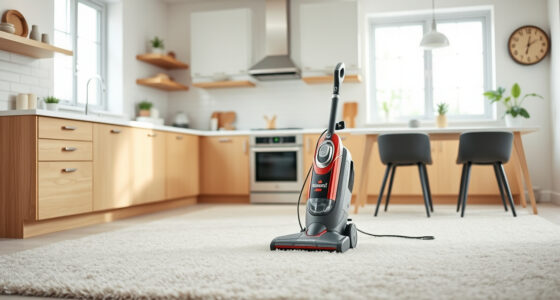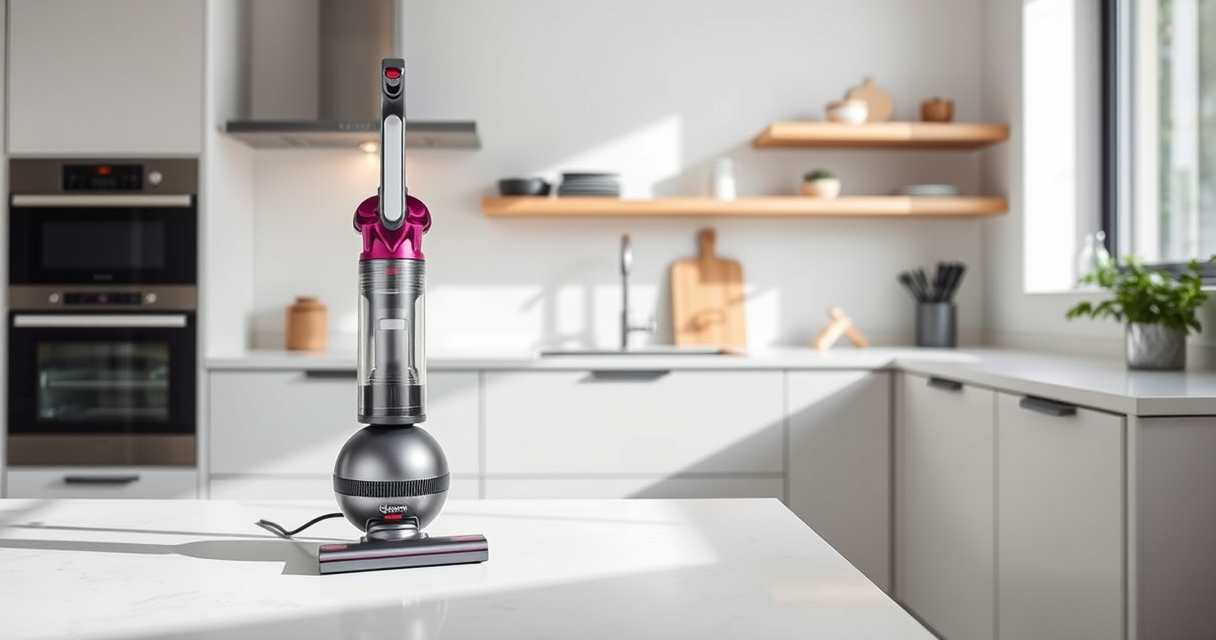

Keeping your Dyson V12 Detect in top condition ensures it performs efficiently and lasts longer. Regular cleaning of filters, brushes, and the bin prevents clogs and maintains suction power. Follow this simple, step-by-step guide to keep your vacuum spotless and ready for your next cleaning session.

Get home appliances delivered free with Prime
- Fast, free delivery on millions of items
- Prime Video, Amazon Music and more included
- Member-only deals all year
Always prioritize safety by turning off and unplugging your device before any maintenance. Use recommended cleaning tools and handle parts gently to avoid damage.
Key Takeaways
| Regular filter cleaning improves suction | Clean filters every 2-3 months for peak performance. |
| Empty the bin frequently | Prevent clogs and maintain maximum suction power. |
| Clean the brush bar and attachments | Remove hair and debris to avoid blockages. |
| Use recommended tools | Utilize specific attachments for hard-to-reach areas. |
Step 1: Turn Off and Unplug the Vacuum
Before starting any cleaning, ensure the Dyson V12 Detect is turned off and unplugged from the power source to prevent accidental activation or electrical hazards.
Step 2: Remove and Clean the Bin
- Press the bin release button to detach the dustbin from the vacuum.
- Hold the bin over a trash can and press the bin button to release the contents.
- Rinse the bin with water if necessary, avoiding the motor and electronic parts.
- Allow it to dry completely before reassembling.
Step 3: Clean or Replace the Filters
Remove the pre-filter and main filter as per your model’s instructions. Rinse them with cold water and wring out excess moisture. Let them air dry thoroughly, ideally for at least 24 hours, before reinstalling. Replace filters if they show signs of wear or damage.
Step 4: Check and Clean the Brush Bar
- Remove the attachment from the vacuum.
- Use scissors or a brush to cut away tangled hair and debris from the brush bar.
- Wipe the bar and surrounding area with a damp cloth if needed.
Step 5: Clean Attachments and Nozzles
Detach any tools or nozzles and clear blockages or debris. Use a narrow crevice tool to reach tight spots and remove dust or hair buildup.
The Products in This Guide
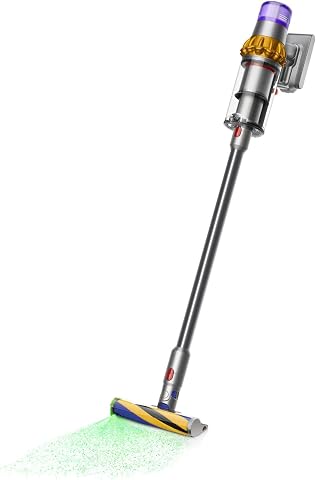
Dyson V15 Detect Total Clean Extra
- ✔ Weight: 6.8 lbs
- ✔ Charge Time: 3.5 hours
- ✔ Warranty: 12 months

LANMU Crevice Tool Vacuum Attachments Compatible
- ✔ Color: Black
- ✔ Width: 1.2 inches
- ✔ Warranty: Not specified
Dyson V15 Detect Total Clean Extra
The Dyson V15 Detect Total Clean Extra offers advanced technology with a powerful and intelligent design, perfect for thorough home cleaning. Regular maintenance ensures it performs at its best.
Pros:
- Powerful suction
- Smart particle detection
- Long battery life
- LCD screen for insights
Cons:
- Requires regular filter cleaning
- Can be heavy for some users
- Filters need replacement over time
Best for: Deep cleaning and maintaining a high-performance vacuum
Not ideal for: Light or quick cleanups where minimal maintenance is preferred
Bottom line: A high-tech, reliable vacuum that benefits from regular cleaning and maintenance.
LANMU Crevice Tool Vacuum Attachments Compatible
This versatile crevice tool easily fits Dyson models and helps clean tight spots like corners, between cushions, and car interiors, making maintenance more thorough.
Pros:
- Narrow nozzle for tight spaces
- Compatible with many Dyson models
- Flexible and easy to maneuver
- Great for detailed cleaning
Cons:
- Requires attachment handling
- Might be too slim for wider debris
- Not suitable for large debris
Best for: Cleaning corners, gaps, and small spaces
Not ideal for: Heavy debris removal or large surface cleaning
Bottom line: A practical attachment to enhance your Dyson’s cleaning reach.
Frequently Asked Questions
How often should I clean the filters on my Dyson V12 Detect?
It’s recommended to clean the filters every 2-3 months for optimal suction and performance.
Can I wash the dustbin with water?
Yes, you can rinse the dustbin with water, but ensure it is completely dry before reassembling to prevent damage.
What should I do if my vacuum loses suction?
Check and clean the filters, empty the bin, and inspect the brush bar and attachments for blockages.
Are refurbished Dyson vacuums reliable?
Refurbished Dyson models, like the Dyson V15 Detect Total Clean Extra, are inspected, tested, and renewed by experts to meet high standards.
Maintain Your Dyson V12 Detect for Optimal Performance
Regular cleaning and maintenance of your Dyson V12 Detect ensure it continues to deliver powerful, efficient cleaning. Follow these simple steps periodically, and your vacuum will serve you well for years to come.
Investing a little time in upkeep guarantees a cleaner home and a longer-lasting device, making your cleaning routine more effective and hassle-free.
Affiliate disclosure: As an Amazon Associate we earn from qualifying purchases. Prices and availability are accurate as of the time of publishing.
Fall yard work Picks
leaf blowers
As an affiliate, we earn on qualifying purchases.