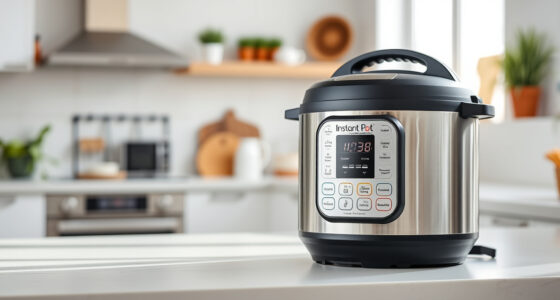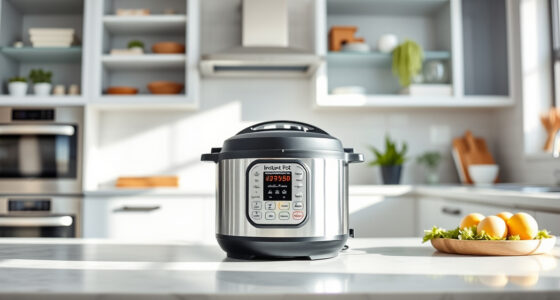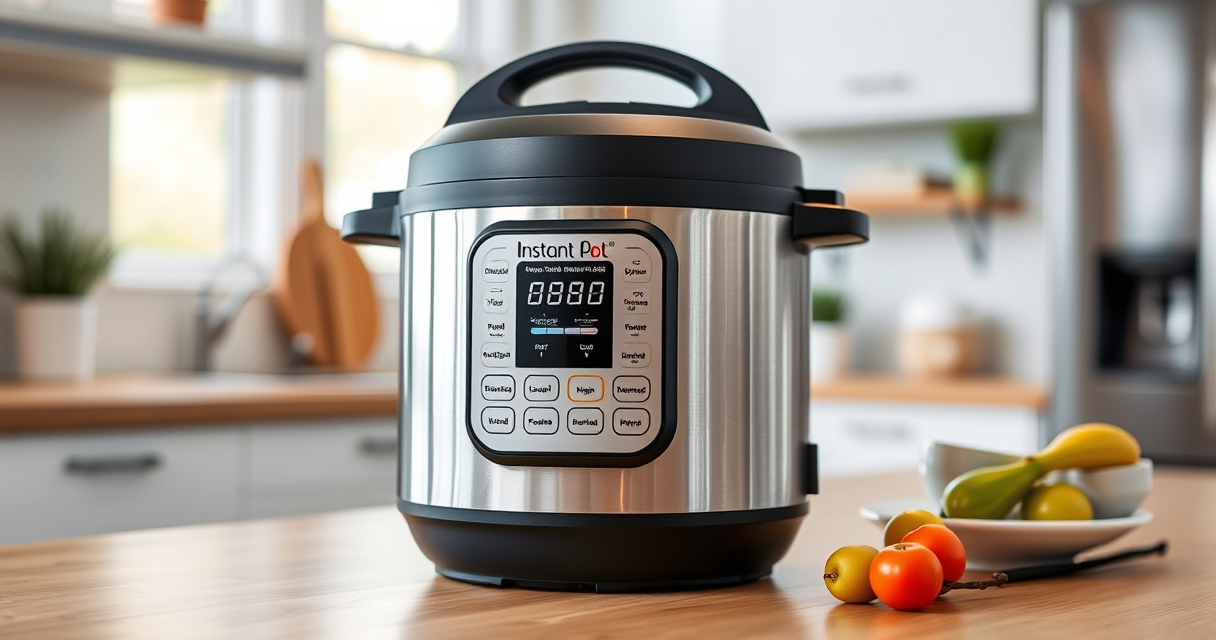

Encountering a burn error on your Instant Pot can be frustrating, especially if you’re unsure of the cause or how to fix it safely. This guide provides clear, step-by-step instructions to troubleshoot and resolve the issue, ensuring safe and effective use of your Instant Pot 4QT RIO Mini 7-in-1 Multi-Cooker.
Understanding common causes and following proper procedures can help prevent future errors and keep your cooking experiences hassle-free.
Key Takeaways
| Common Causes | Burn errors often happen due to food sticking, overfilling, or improper sealing. |
| Quick Fix Steps | Follow step-by-step procedures to clear the error and restart your cooking cycle. |
| Preventive Tips | Clean the sealing ring and inner pot regularly, and avoid overfilling. |
| Safety First | Always release pressure safely before opening the lid to prevent accidents. |

Instant Pot 4QT RIO Mini 7-in-1 Multi-Cooker, Pressure Cooker, Slow cook, Sauté, Steam, Rice Maker, Yogurt, & Warmer, Black, 4 Quarts
- 7-in-1 Multi-Cooker Functions: Pressure, slow, sauté, steam, rice, yogurt, warm
- Compact and Space-Saving: Mini size with full cooking surface
- Ideal for Small Meals: 4-quart capacity for up to 4 servings
As an affiliate, we earn on qualifying purchases.
Understanding the Burn Error
The burn error typically appears when the Instant Pot detects food or liquid burning or sticking to the bottom. It’s a safety feature to prevent damage or overheating. Causes include food particles stuck on the bottom, insufficient liquid, or overfilling the pot.

AOZITA Steamer Basket for Instant Pot Accessories 6 qt or 8 quart - 2 Tier Stackable 18/8 Stainless Steel Mesh - Silicone Handle - Vegetable Steamer Insert, Egg Basket, Pasta Strainer,Silver
- Two-Tier Stackable Design: Cook multiple foods simultaneously
- Versatile Instant Pot Accessory: Steams, strains, and cooks various foods
- High-Quality Stainless Steel: Durable, dishwasher safe construction
As an affiliate, we earn on qualifying purchases.
Immediate Steps to Fix the Burn Error
- Press ‘Cancel’ and unplug the Instant Pot. Allow it to depressurize naturally or use the quick-release method if safe to do so.
- Open the lid carefully once pressure has been released.
- Check the inner pot for food residue or stuck particles, especially on the bottom.
- Remove the inner pot and clean it thoroughly, including the sealing ring and lid gasket.
- Inspect for any damage or warping in the sealing ring or lid components.
Cleaning and Preparing for a Restart
After cleaning, add fresh liquid (at least 1 cup of water or broth), ensuring the liquid covers the bottom. Check that the sealing ring is properly fitted and undamaged. Reassemble the lid securely.
Preventing Future Burn Errors
- Always add enough liquid to generate sufficient steam and prevent burning.
- Do not overfill the inner pot; stay within the maximum fill line.
- Stir ingredients well before sealing to prevent sticking.
- Regularly clean the sealing ring and inner pot to avoid buildup.
Safety Tips and Warnings
- Never force open the lid before depressurizing.
- Use oven mitts when handling hot components.
- Ensure the sealing ring is properly seated before cooking.
- Follow the manufacturer’s instructions for cleaning and maintenance.
The Products in This Guide

Instant Pot 4QT RIO Mini 7-in-1 Multi-Cooker
- ✔ Capacity: 4 Quarts
- ✔ Functions: 7-in-1
- ✔ Material: Plastic and stainless steel

AOZITA Steamer Basket
- ✔ Material: Stainless Steel
- ✔ Capacity: Fits 6 & 8 QT models
- ✔ Design: 2-tier stackable
Instant Pot 4QT RIO Mini 7-in-1 Multi-Cooker
The Instant Pot 4QT RIO Mini offers versatile cooking functions in a small, stylish package. It’s perfect for small families or singles, providing pressure cooking, slow cooking, sautéing, and more with ease.
Pros:
- Compact size fits small kitchens
- 7-in-1 functionality
- Easy to clean and use
- Fast cooking times
Cons:
- Limited capacity for large meals
- Learning curve for new users
- Requires attention to sealing and cleaning
Best for: Small households, quick meals, versatile cooking needs
Not ideal for: Cooking for large families or batch meals
Bottom line: A versatile, space-saving multi-cooker suitable for small kitchens and quick meal prep.
AOZITA Steamer Basket
The AOZITA Steamer Basket is a great addition to your Instant Pot, allowing you to steam vegetables, eggs, and more. Its 2-tier design maximizes space and efficiency.
Pros:
- Two-tier design for multitasking
- Stainless steel durable construction
- Fits 6 and 8-quart models
- Easy to clean
Cons:
- Adds extra cleaning steps
- May require additional space for stacking
Best for: Steaming multiple ingredients simultaneously, healthy cooking
Not ideal for: For those who prefer single-layer steaming
Bottom line: A versatile, sturdy steamer basket that boosts your Instant Pot’s functionality.
Frequently Asked Questions
What causes the burn error on my Instant Pot?
The burn error occurs when the appliance detects food or liquid burning or sticking to the bottom, often due to insufficient liquid, overfilling, or food residue.
How can I prevent the burn error?
Ensure enough liquid is added, do not overfill, stir ingredients well before sealing, and keep the inner pot clean to avoid residue buildup.
Is it safe to open the lid after a burn error?
No, always wait for the pressure to fully release before opening the lid to prevent burns or accidents.
How often should I clean the sealing ring?
Clean the sealing ring after each use to prevent odor and residue buildup, and replace it if it becomes cracked or deformed.
Mastering Your Instant Pot for Smooth Cooking
By understanding the common causes of the burn error and following these troubleshooting steps, you can keep your Instant Pot running smoothly and safely. Regular maintenance and mindful cooking practices will help prevent future errors, allowing you to enjoy fast, delicious meals with confidence.
Affiliate disclosure: As an Amazon Associate we earn from qualifying purchases. Prices and availability are accurate as of the time of publishing.