If your Roborock Q7 M5+ robot vacuum isn’t connecting to WiFi, it can disrupt your cleaning schedule and app control. Fortunately, most connectivity issues are fixable with simple steps. This guide walks you through practical troubleshooting methods to restore your device’s WiFi connection safely and effectively.

Get home appliances delivered free with Prime
- Fast, free delivery on millions of items
- Prime Video, Amazon Music and more included
- Member-only deals all year
Key Takeaways
| Check your WiFi network | Ensure your WiFi is working and within range. |
| Restart devices | Power cycle your Roborock and router to refresh connections. |
| Update firmware | Keep your vacuum’s firmware and app up-to-date. |
| Reset WiFi connection | Reconfigure WiFi settings on the vacuum. |
Verify Your WiFi Network
- Ensure your WiFi network is active and other devices connect successfully.
- Check if your WiFi is 2.4GHz, as Roborock devices typically don’t support 5GHz networks.
- Place the vacuum closer to the router to improve signal strength.
Restart Your Devices
- Power off your Roborock Q7 M5+ and unplug your router for 30 seconds.
- Turn on the router first, then power on the vacuum.
- Attempt to reconnect via the app.
Update Firmware and App
- Open the Roborock app and check for firmware updates for your vacuum.
- Ensure the app itself is updated to the latest version.
- Follow prompts to install updates if available.
Reconfigure WiFi Settings
- Open the Roborock app and select your device.
- Go to the WiFi settings and choose ‘Forget’ or ‘Reset’ network.
- Re-enter your WiFi credentials carefully, ensuring correct spelling and security settings.
Additional Tips and Warnings
- Use only 2.4GHz WiFi networks for compatibility.
- Avoid network congestion by reducing connected devices during setup.
- Ensure your router’s firmware is up-to-date for optimal performance.
- Keep your vacuum within close range during setup to avoid signal drops.
The Products in This Guide

roborock Q7 M5+ Robot Vacuum and Mop
- ✔ Weight: 7.3 kg
- ✔ Dust Capacity: 2.7L
- ✔ Max Noise Level: 67dB

4 Pack Washable Filter
- ✔ Weight: Approx 50g each
- ✔ Dimensions: Standard HEPA size
- ✔ Material: True HEPA
roborock Q7 M5+ Robot Vacuum and Mop
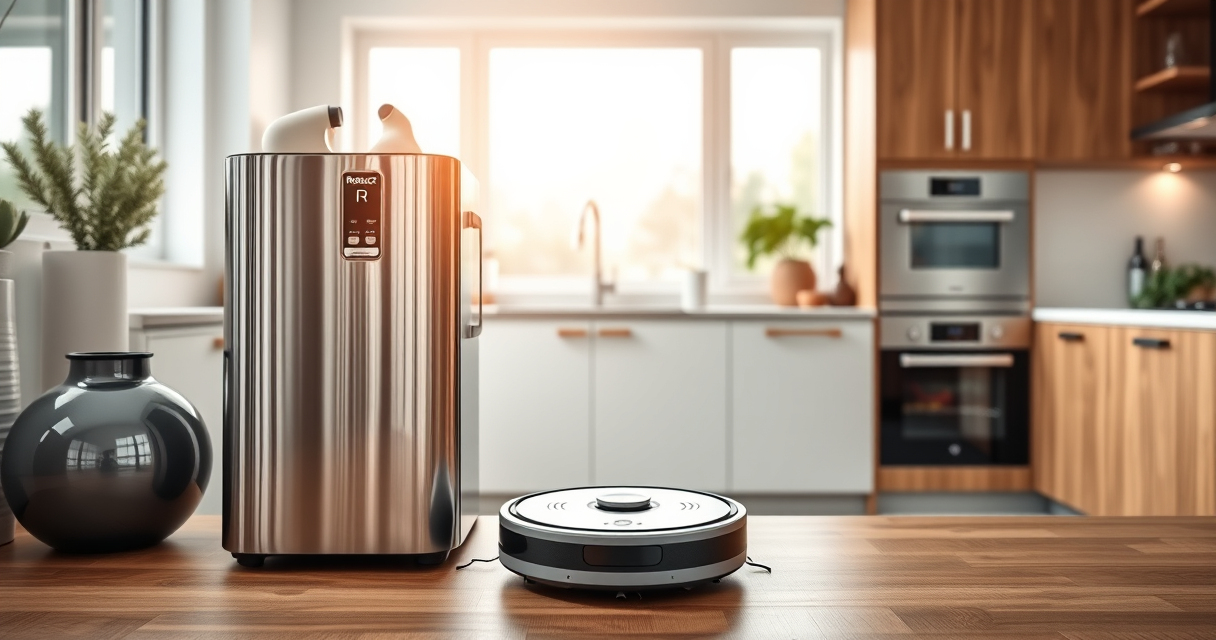
The Roborock Q7 M5+ Robot Vacuum and Mop offers powerful suction, up to 7-9 weeks of self-emptying, and PreciseSense LiDAR navigation. Its robust features make it a top choice for thorough home cleaning.
Pros:
- Powerful 10000Pa suction
- Up to 9 weeks of self-emptying
- Dual anti-tangle system
- App control for easy management
Cons:
- Higher price point
- Requires stable WiFi for optimal use
- Learning curve for new users
Best for: Homes needing deep cleaning with pet hair management
Not ideal for: Users with inconsistent WiFi or minimal cleaning needs
Bottom line: A high-performance robotic vacuum with advanced features, best used with a stable WiFi connection.
4 Pack Washable Filter
The 4 Pack Washable Filter set for Roborock models ensures your vacuum maintains optimal suction and air quality, all while being eco-friendly and cost-effective.
Pros:
- Reusable and washable
- Compatible with multiple models
- Maintains high filtration efficiency
- Easy to install
Cons:
- Requires regular cleaning
- Initial cost slightly higher
Best for: Maintaining peak vacuum performance and air quality
Not ideal for: Users seeking disposable filters only
Bottom line: A cost-effective way to keep your vacuum running efficiently with clean, washable filters.
Frequently Asked Questions
Why won’t my Roborock connect to WiFi after setup?
Ensure your WiFi is working properly, your device is within range, and you’re using a 2.4GHz network. Restart your devices and reconfigure the WiFi settings if needed.
Can I use a 5GHz WiFi network with my Roborock?
Most Roborock models, including the Q7 M5+, are compatible with 2.4GHz WiFi networks. 5GHz networks are generally not supported.
How often should I update my vacuum’s firmware?
Check regularly via the app for firmware updates, which improve performance and fix bugs. Update as soon as new versions are available.
What should I do if WiFi connection keeps dropping?
Place the vacuum closer to the router, reduce network congestion, and ensure your router’s firmware is current. Reconfigure WiFi if persistent issues occur.
Getting Your Roborock Back Online
WiFi connectivity issues can be frustrating, but most are easily resolved with the right troubleshooting steps. By verifying your network, restarting devices, updating firmware, and reconfiguring settings, you can restore your Roborock’s connection and enjoy seamless cleaning. Regular maintenance and keeping software updated will help prevent future problems and maximize your robot’s performance.
Affiliate disclosure: As an Amazon Associate we earn from qualifying purchases. Prices and availability are accurate as of the time of publishing.
NFL season / tailgating Picks
team gear
As an affiliate, we earn on qualifying purchases.