
TL;DR

Get home appliances delivered free with Prime
- Fast, free delivery on millions of items
- Prime Video, Amazon Music and more included
- Member-only deals all year
Samsung is rolling out its redesigned SmartThings app to Android devices, bringing the interface updates previously seen on iOS. The update, version 1.8.51.30, introduces compact device cards, a floating navigation bar, and a redesigned TV remote. This change aims to improve usability by allowing users to see more of their smart home setup at once.
Samsung is rolling out its redesigned SmartThings app to Android devices, closing the gap with the iOS version that launched earlier. The update, identified as version 1.8.51.30, introduces a refreshed interface featuring compact device cards, a floating navigation bar, and a revamped TV remote. This rollout matters because it standardizes the user experience across platforms and offers Android users greater control over their smart home dashboard layout.
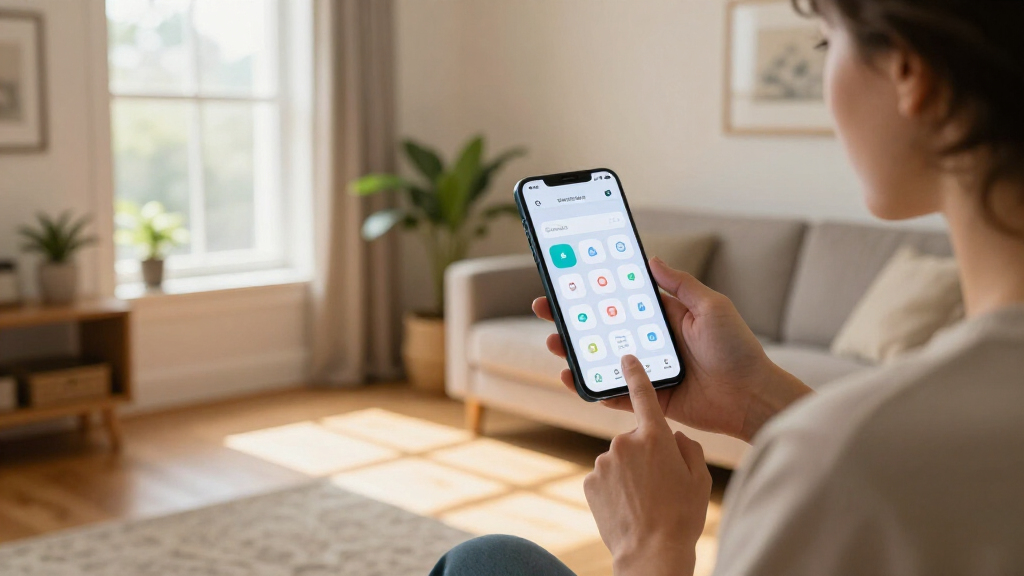
The core of the redesign lies in how SmartThings presents devices and routines. The Home and Devices screens now utilize smaller, denser cards, allowing users to view more connected items simultaneously without excessive scrolling. According to the report, these cards are resizable and rearrangeable, enabling users to prioritize frequently used devices and routines for easier access. This shift moves the app from a static list to a customizable dashboard.
Navigation and interaction have also been streamlined. The app now features a floating navigation bar, which provides a modern aesthetic and frees up screen space for content. On the Home tab, a dedicated section at the top displays weather updates and suggested routines, followed by a Favourites section for pinned items. Quick actions have been added, such as tapping a device card icon to toggle power or triggering routines directly from the main view.
The built-in TV remote has received a significant overhaul. It now supports a light mode option and can be resized or repositioned within the app, giving users flexibility in how they interact with their television controls. The update is available through the Google Play Store and Samsung’s Galaxy Store, though availability may vary depending on the specific device and rollout schedule.
Impact on Smart Home Usability
This update addresses long-standing user requests for a more efficient dashboard. By introducing compact cards and customizable layouts, Samsung is transforming SmartThings from a simple list into a personalized control center. The ability to resize and rearrange cards means users can tailor the interface to their specific habits, reducing the time spent hunting for frequently used devices.
The alignment with the iOS design also signals a commitment to cross-platform consistency. Previously, Android users waited longer for feature parity, which could fragment the user experience for households with mixed devices. Standardizing the interface ensures that all users benefit from the same modern navigation patterns and quick-action shortcuts, potentially increasing overall engagement with the SmartThings ecosystem.
Samsung SmartThings compatible smart home devices
As an affiliate, we earn on qualifying purchases.
As an affiliate, we earn on qualifying purchases.
Timeline of Interface Updates
The redesigned interface first appeared on iOS devices, where it was well-received for its cleaner look and improved functionality. The delay in bringing these changes to Android meant that a significant portion of Samsung’s user base was operating on an older, less efficient interface for an extended period. This rollout corrects that imbalance, ensuring that the Android experience matches the iPhone version in both appearance and utility.
The specific version number, 1.8.51.30, serves as the marker for this transition. Users who have not yet seen the changes are advised to check their respective app stores, as the rollout is gradual. This phased approach is common for major interface overhauls, allowing Samsung to monitor stability and user feedback before a full global deployment.
“The biggest change is the way SmartThings presents devices and routines. The Home and Devices screens now use smaller, denser cards.”
— The Ambient
As an affiliate, we earn on qualifying purchases.
Rollout Variability and Device Support
While the update is officially available, the report notes that availability may depend on the device and rollout timing. It is not yet clear if all Android devices running the SmartThings app will receive the update simultaneously. Some users may experience a delay due to regional restrictions or hardware-specific testing. Additionally, the extent of feature parity with the iOS version beyond the visual changes remains to be fully verified by the broader user base.
As an affiliate, we earn on qualifying purchases.
Checking for the Update
Users interested in the new interface should manually check for updates in the Google Play Store or the Samsung Galaxy Store. If the update does not appear immediately, it may take several days to reach the device. Users are encouraged to monitor app store listings for the version number 1.8.51.30. Future updates may further refine the floating navigation and card customization features based on early user feedback.
As an affiliate, we earn on qualifying purchases.
Key Questions
How do I get the new SmartThings app?
Check the Google Play Store or Samsung Galaxy Store for updates. Look for version 1.8.51.30 or higher.
What is the main change in the new app?
The app now uses smaller, denser cards for devices and routines, allowing you to see more items at once and resize/rearrange them.
Is the new app different from the iOS version?
According to reports, the Android version looks largely the same as the redesigned iPhone version, bringing cross-platform consistency.
Why is the rollout taking time?
Availability may depend on the device and rollout timing, meaning not all users will receive the update at the exact same moment.
Source: rss
Halloween Picks
halloween
As an affiliate, we earn on qualifying purchases.