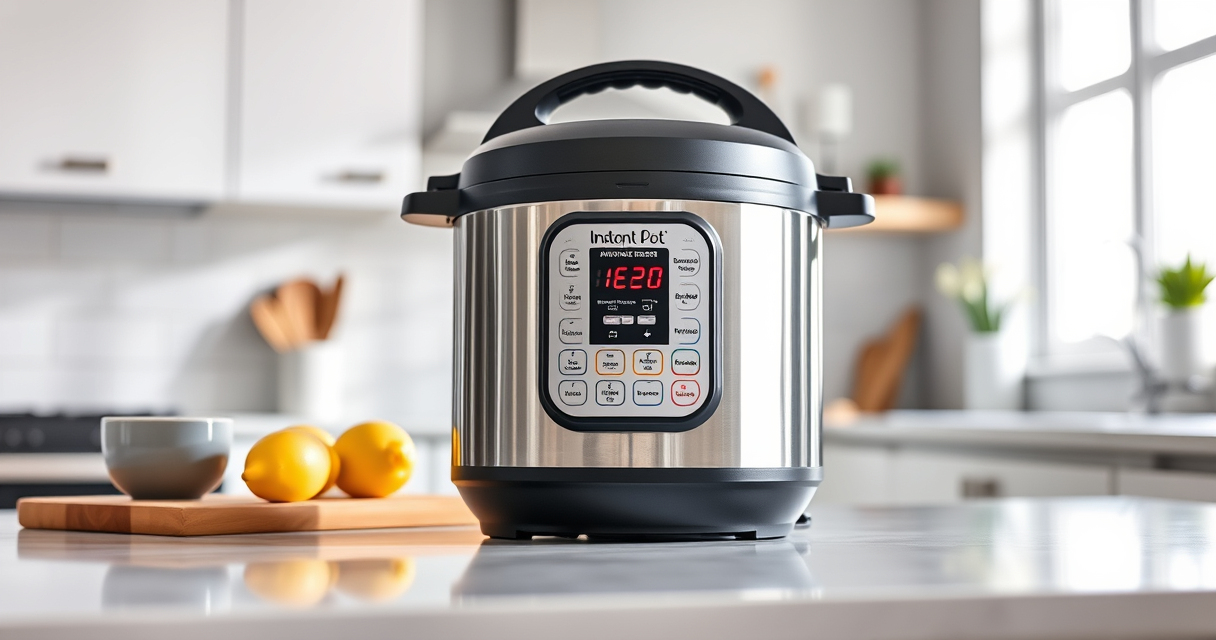

If your Instant Pot keeps showing a burn error, it can be frustrating and disruptive to your meal prep. This issue often relates to food sticking to the bottom or improper sealing, but with the right troubleshooting steps, you can resolve it quickly and safely. This guide provides clear instructions to identify and fix common causes of the burn error on your Instant Pot.

Get home appliances delivered free with Prime
- Fast, free delivery on millions of items
- Prime Video, Amazon Music and more included
- Member-only deals all year
Always ensure safety precautions when working with pressure cookers, and never force the lid or bypass safety mechanisms. Follow these steps carefully to get your Instant Pot back to optimal working condition.
Key Takeaways
| Identify common causes | Burn errors often result from food sticking, insufficient liquid, or sealing issues. |
| Check sealing ring | A worn or improperly seated sealing ring can cause pressure problems. |
| Clean the bottom | Food residue or burnt bits on the inner pot bottom can trigger burn messages. |
| Adjust ingredients | Ensure enough liquid and avoid thick sauces that stick easily. |
| Properly seal the lid | Ensure the lid is locked correctly and the steam release handle is in the sealing position. |
Step 1: Turn Off and Unplug the Instant Pot
- Press cancel to stop any ongoing cooking cycle.
- Unplug the device and allow it to cool for a few minutes before handling.
Step 2: Check and Clean the Inner Pot and Sealing Ring
- Remove the inner pot and inspect the bottom for burnt food or residue. Clean thoroughly with warm soapy water.
- Remove the sealing ring and check for cracks, deformation, or odors. Replace if necessary.
Step 3: Ensure Proper Sealing and Lid Position
- Reinstall the sealing ring securely in the lid.
- Align the lid properly and turn it clockwise until it locks into place.
- Check that the steam release handle is set to sealing.
Step 4: Adjust Your Recipe and Liquid Levels
- Add sufficient liquid (at least 1 cup for most recipes) to prevent burning.
- Avoid thick sauces or ingredients that tend to stick to the bottom.
Step 5: Restart and Monitor
- Close the lid properly and select the desired cooking program.
- Monitor the first few minutes for any signs of the error reappearing.
The Products in This Guide

Instant Pot 4QT RIO Mini 7-in-1 Multi-Cooker
- ✔ Warranty: Standard
- ✔ Power: 1000W
- ✔ Temperature Range: Varies by function

AOZITA Steamer Basket
- ✔ Color: Silver
- ✔ Weight: 1.2 lbs
- ✔ Warranty: N/A
Instant Pot 4QT RIO Mini 7-in-1 Multi-Cooker
The Instant Pot 4QT RIO Mini 7-in-1 Multi-Cooker is a versatile and compact appliance ideal for small families or singles. Its multiple functions—including pressure cooking, slow cooking, sautéing, and more—make it a practical kitchen tool. When functioning properly, it provides fast, convenient meal prep with minimal fuss.
Pros:
- Compact size fits small kitchens
- Multiple cooking functions
- Easy to clean and operate
- Good for small servings
Cons:
- Limited capacity for large families
- Burn error can occur if not used correctly
- Requires careful sealing to avoid issues
Best for: Small households, quick meals, space-saving kitchens
Not ideal for: Large meal prep, multi-user families, or recipes with lots of ingredients
Bottom line: A compact, versatile cooker perfect for small meals and limited spaces.
AOZITA Steamer Basket
The AOZITA Steamer Basket adds incredible versatility to your Instant Pot, allowing you to cook vegetables, eggs, pasta, and more simultaneously. Its two-tier design maximizes space and efficiency, especially when preparing multiple dishes at once.
Pros:
- Two-tier design for multi-tasking
- Made of durable stainless steel
- Easy to clean
- Fits 6-quart and 8-quart models
Cons:
- Requires extra space in the pot
- May need adjustment for smaller models
Best for: Steaming, multi-layer cooking, quick meal prep
Not ideal for: Cooking large quantities for big families
Bottom line: A practical accessory to expand your Instant Pot’s functionality.
Frequently Asked Questions
Why does my Instant Pot keep giving a burn error?
Burn errors typically occur due to food sticking to the bottom, insufficient liquid, or a sealing issue. Troubleshooting involves cleaning, checking the sealing ring, and adjusting ingredients.
How can I prevent the burn error in future recipes?
Ensure enough liquid is added, avoid thick sauces that stick, and make sure the sealing ring and lid are properly in place before cooking.
Is it safe to keep cooking after a burn error?
No, it’s safest to turn off and unplug the Instant Pot, clean it thoroughly, and verify all parts are in good condition before retrying.
Can I use a different sealing ring to prevent burn errors?
Using a fresh, high-quality sealing ring can help maintain proper pressure. Replace it if it has cracks or odors, and consider using a silicone sealing ring designed for your model.
Getting Your Instant Pot Back on Track
Dealing with a burn error can be frustrating, but most issues are fixable with proper cleaning, sealing, and ingredient adjustments. Regular maintenance and mindful cooking can help prevent future errors, ensuring your Instant Pot remains a reliable kitchen companion. Follow these steps, and you’ll be back to enjoying quick, delicious meals in no time.
Affiliate disclosure: As an Amazon Associate we earn from qualifying purchases. Prices and availability are accurate as of the time of publishing.
NFL season / tailgating Picks
team gear
As an affiliate, we earn on qualifying purchases.